Appearance
How to search activities, messages, etc.?
How to use the search functionalities in Hailer 🔍
Global search
You can find the global search from the bottom of the navigation pane.
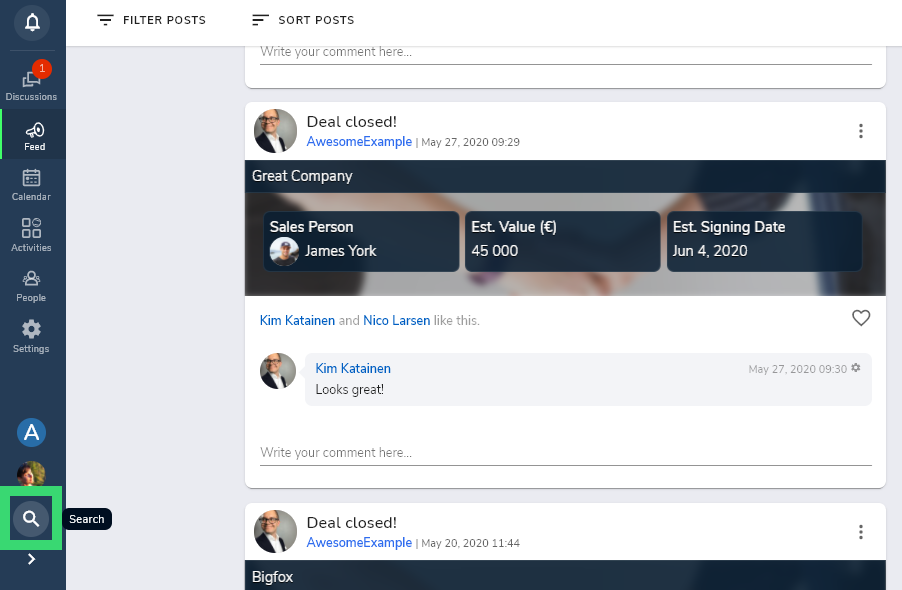
Global search lists all results: activities, feed posts, file names, and messages
Discussion search
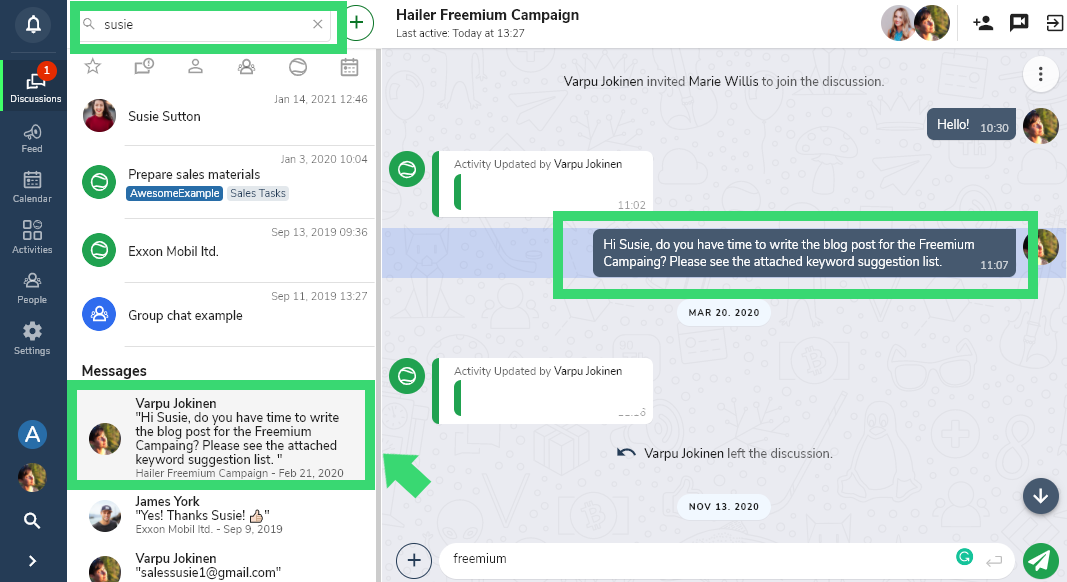
Discussion search lists all results in the discussions: activities, contacts, and messages (limited to 20 latest messages with matching content).
Message search
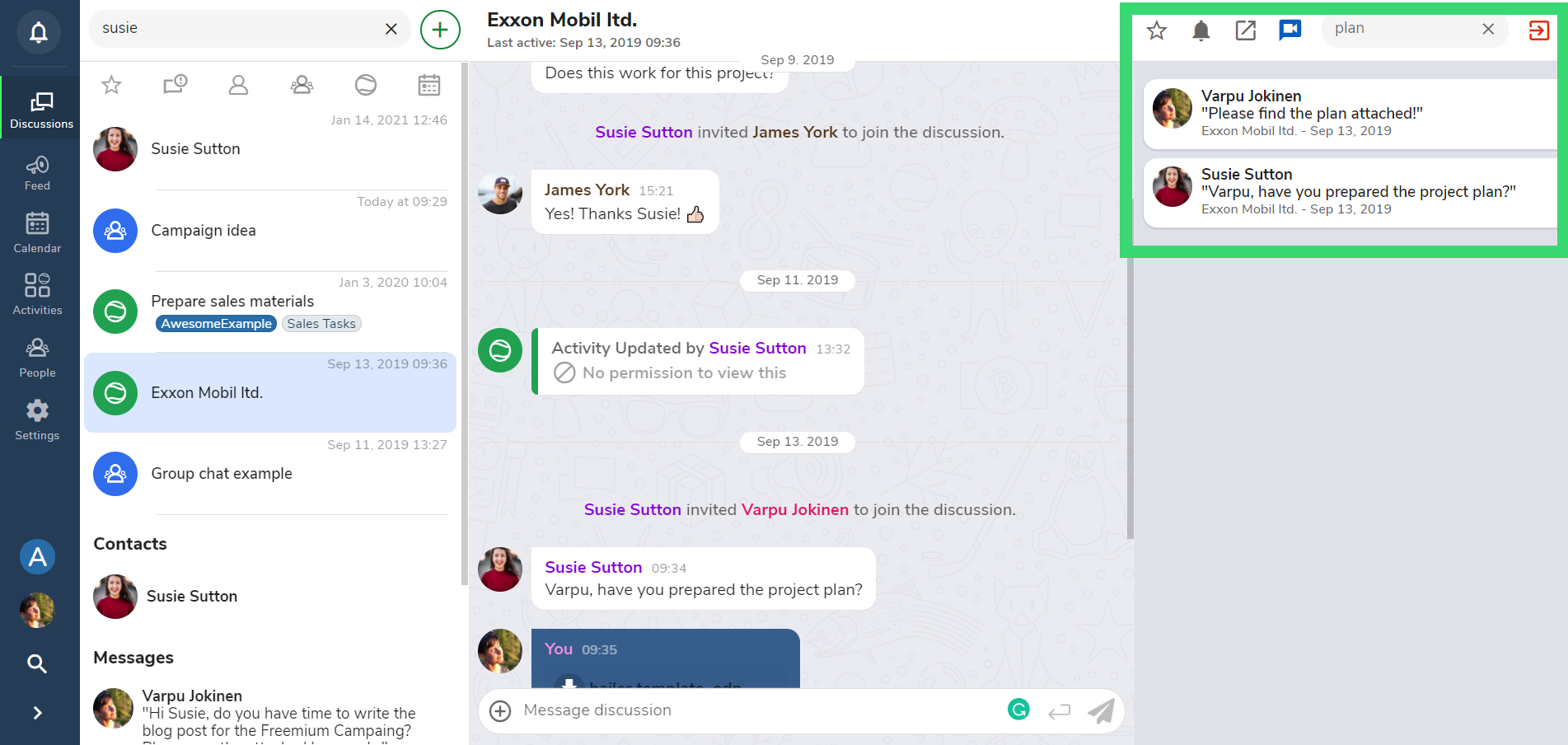
Search messages in a Discussion channel by using the Search bar in the top right corner. The results will be listed in the right sidebar.
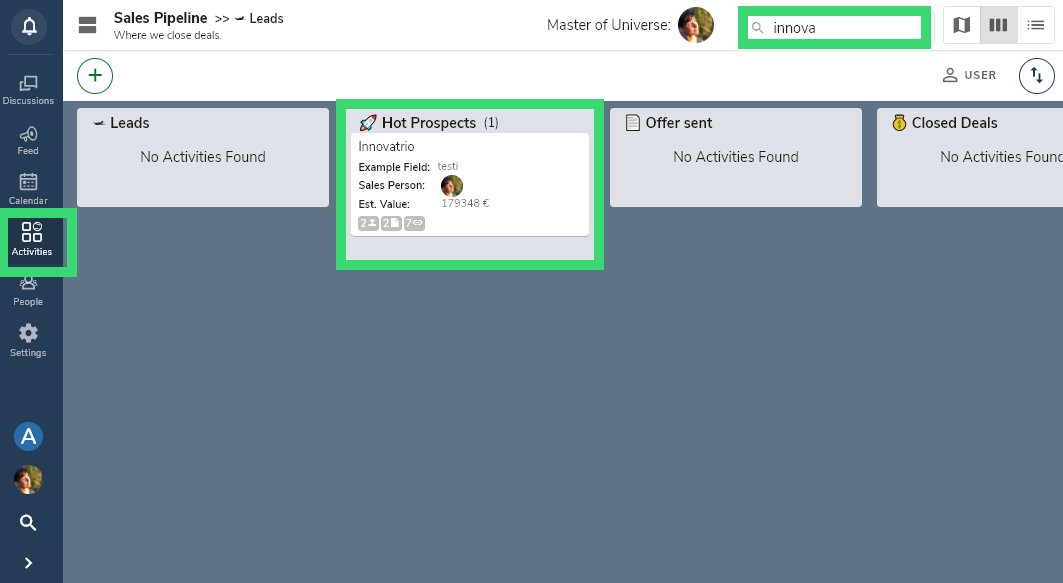
Activity search
Search for activities in a workflow or a dataset. Open the workflow and the search bar is in the top bar.
Calendar search
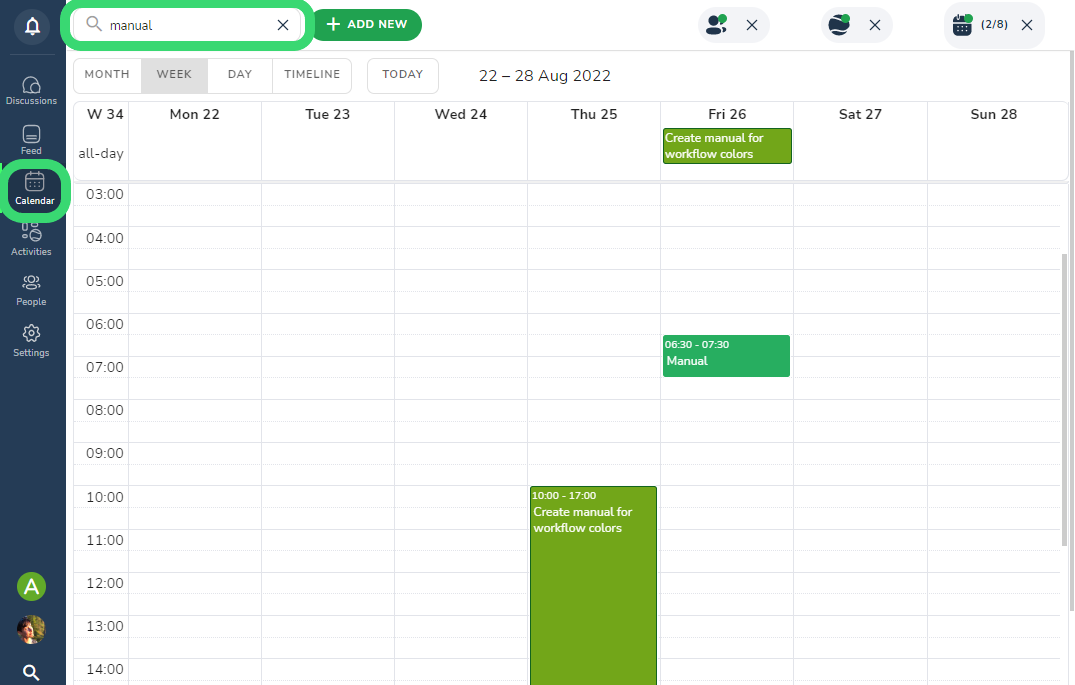
The calendar search is global. It will search for events and activities in your calendar. Note that the filters might affect the search results.